
Set Virtual Fisher on Discord in 3 Simple Steps
To set Virtual Fisher on Discord in three simple steps, start by typing `/settings` and enable the Worker Fish option. This feature is essential for automating your fishing activities efficiently. Next, choose your preferred fish addition timing—either “After” the trip or “During” the trip for continuous fish gains.
Finally, customize your notifications and boost effects like autosell and vote reminders to enhance your fishing experience. Once set, you’ll manage your inventory and upgrades smoothly. More tips are available to help you optimize gameplay further.
Enable Virtual Fisher And Set Fish Addition Timing
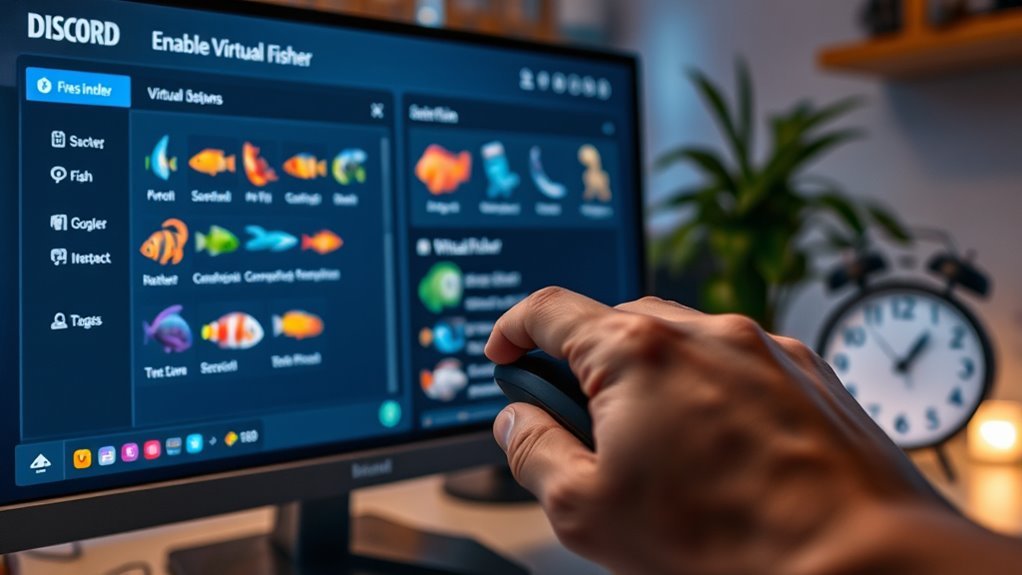
When you want to enable Virtual Fisher on Discord, start by using the `/settings` command and selecting the Worker Fish option.
From there, you can choose when fish are added during your fishing trips.
Choose the timing for fish additions to customize your fishing experience during trips.
Picking “after” adds fish only once you complete a trip, while selecting “during” adds fish continuously as you fish.
This setting directly affects how your gameplay flows, so adjust it to match your fishing style.
Once you enable Virtual Fisher, the Worker Fish feature stays available and you can toggle it anytime through settings.
Customize Notifications And Boost Settings

Adjusting how you receive updates and manage boosts can enhance your Virtual Fisher experience on Discord. Use the `/settings` command to open the settings menu, where you can customize your notifications and boost preferences.
Toggle Vote Reminders to get a DM 12 hours after voting, helping you stay engaged with the community.
You can also enable Tips to receive helpful fishing advice during gameplay.
If you’re at Silver rank, activate Autosell to automatically sell fish after each trip, saving you time.
For boosts, click the Boost button and choose between “off,” “gold,” or “emerald” to control your in-game boost effects. This boosts your rewards, making your fishing trips more profitable and enjoyable.
Manage And Optimize Your Virtual Fisher With Commands
To get the most out of Virtual Fisher, you’ll want to master the key commands that streamline your gameplay and boost efficiency. These commands help you manage your inventory, upgrades, and settings without hassle, letting you focus on fishing.
Here are four essential commands to optimize your Virtual Fisher experience:
- Use `/sell all` to quickly manage your inventory and maximize profits.
- Upgrade rods and buy bait with `/shop bait` to increase your catch success.
- Enable autosell after reaching Silver rank using `/set autosell on` for automatic selling.
- Personalize settings like tips and vote reminders through `/set tips on` or `/set vote_reminders off`.
Frequently Asked Questions
How Do I Add Virtual Fisher to Discord?
You click the invite link, choose your server, and grant Virtual Fisher the necessary permissions. Make sure you have admin rights, then authorize the bot.
Finally, configure its settings to start fishing on your Discord server.
What Is Virtual Fisher on Discord?
Virtual Fisher on Discord is a fishing game bot that lets you catch fish, collect rewards, and level up. You’ll buy gear, explore biomes, and automate tasks, making fishing fun and interactive right in your server.
The game combines strategy and relaxation, allowing players to enjoy a virtual fishing experience with friends. As you progress, you unlock new features and challenges to keep the gameplay engaging.
Whether you’re a casual player or a fishing enthusiast, Virtual Fisher offers something for everyone to enjoy within the Discord community.
What Does Ctrl+K Do on Discord?
Ctrl+K is your magic portal on Discord—it instantly zooms you to any channel or server you want.
You don’t have to scroll endlessly; just type, and you’ll jump there in a flash, saving time and effort.
How to Setup a Simple Discord Bot?
You create a new Discord app, add a bot, copy its token, then code using discord.py.
Generate an invite link with permissions, add the bot to your server, and run your script to keep it online and responsive.
Conclusion
Setting up Virtual Fisher on Discord is like casting your line into a digital sea—each step you take reels in a better experience. By enabling it, customizing notifications, and managing commands, you’re not just fishing for fun; you’re mastering an art.
Just as a skilled angler reads the water, you learn to navigate and optimize your virtual catch. This turns simple clicks into a rewarding adventure that keeps your community hooked and engaged.
With these three simple steps, you can easily set Virtual Fisher on Discord and create an interactive environment that everyone will enjoy.